Coming Soon
TeleVisionPrompter
The ultimate teleprompter experience for spatial computing.
 Designed for Apple Vision Pro
What TeleVisionPrompter does
Customizable Display Settings
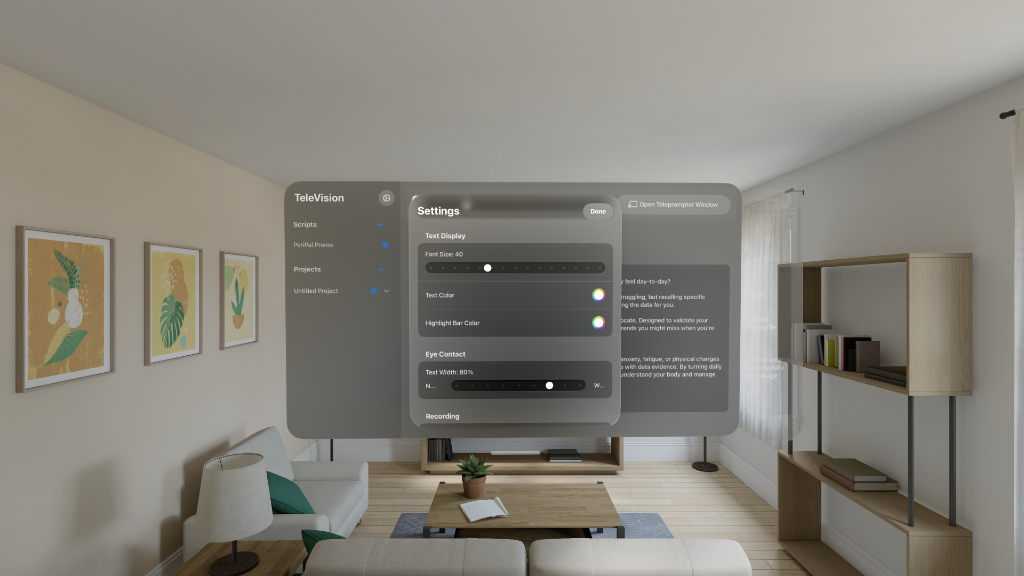
Fine-tune your teleprompter experience with comprehensive settings. Adjust font size, text color, highlight bar color, eye contact mode, and text width to match your exact needs. Every detail is customizable for optimal readability.
Powerful Control Dashboard
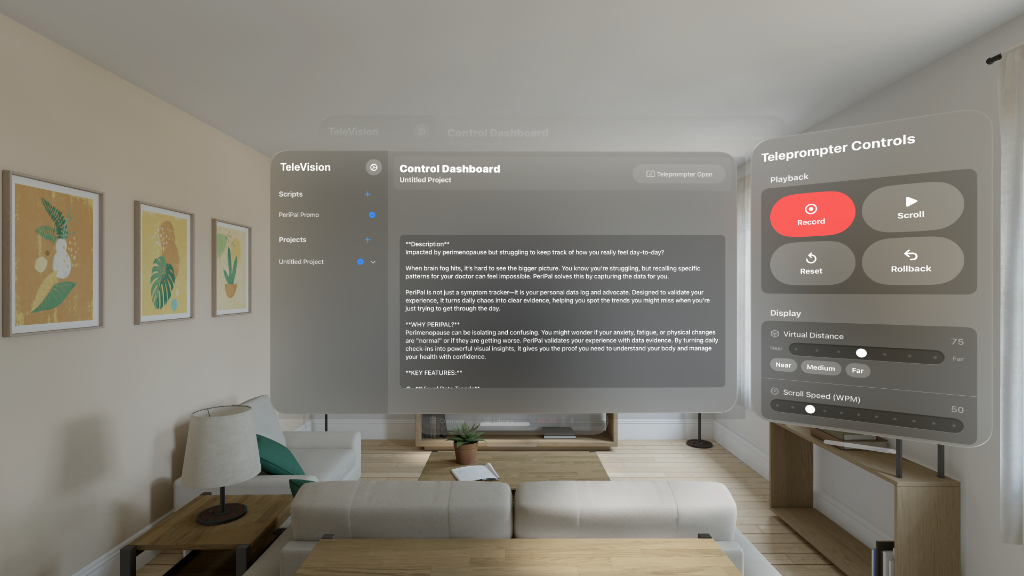
Manage your scripts and projects from an intuitive central dashboard. The teleprompter controls panel gives you complete playback control with record, scroll, reset, and rollback buttons. Adjust virtual distance and scroll speed on the fly.
Immersive Prompter Display
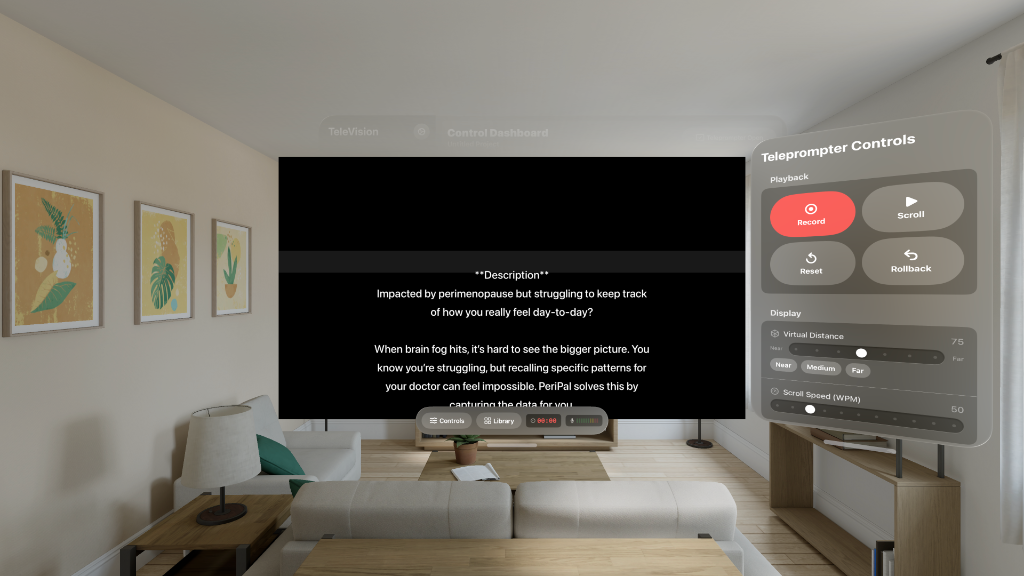
Your script floats in your field of view with crystal-clear text. The prompter can move with you or stay anchored to a point in space. Perfect for recording videos, presentations, or any situation where you need to deliver scripted content naturally.
Built for Creators
Whether you're a content creator, public speaker, educator, or professional conducting meetings in VR, TeleVisionPrompter makes script delivery effortless. Never memorize a script again—just read naturally while maintaining eye contact with your audience.
Professional Features
Record while you read, sync scripts across devices, and customize every aspect of the display. TeleVisionPrompter adapts to your workflow, whether you're filming a YouTube video, delivering a keynote, or conducting a virtual presentation.
Spatial Computing Advantage
Unlike traditional teleprompters, TeleVisionPrompter leverages Vision Pro's spatial computing capabilities to position your script exactly where you need it. Maintain natural eye contact while reading—your audience will never know you're using a prompter.