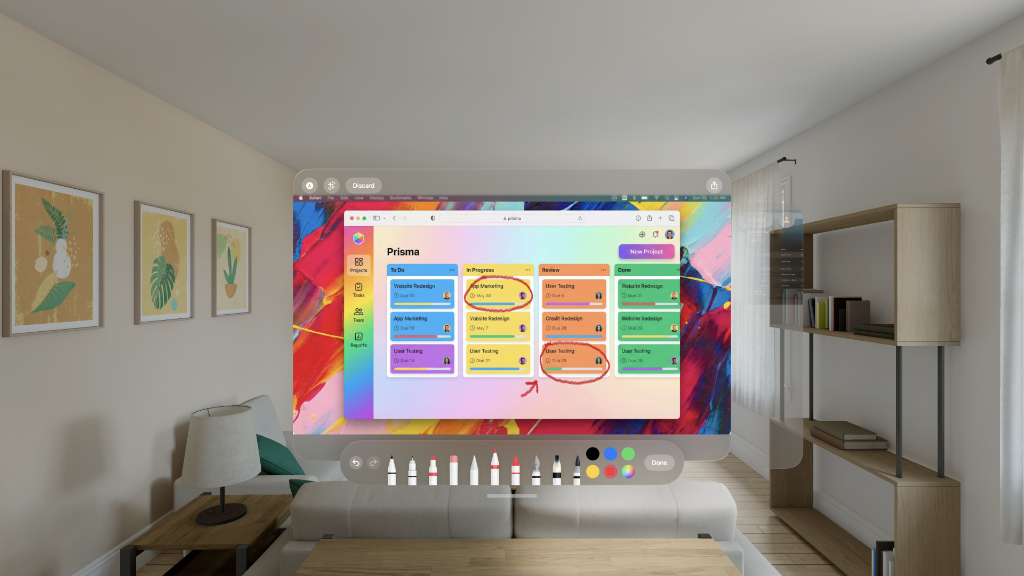
Versatile Input
Draw comfortably using a trackpad, compatible stylus (like Logitech Muse), or direct touch. VisionMark adapts to your preferred input method for precise control.
From the studio
Professional watermarking for your Vision Pro spatial captures.
 Designed for Apple Vision Pro
Draw comfortably using a trackpad, compatible stylus (like Logitech Muse), or direct touch. VisionMark adapts to your preferred input method for precise control.
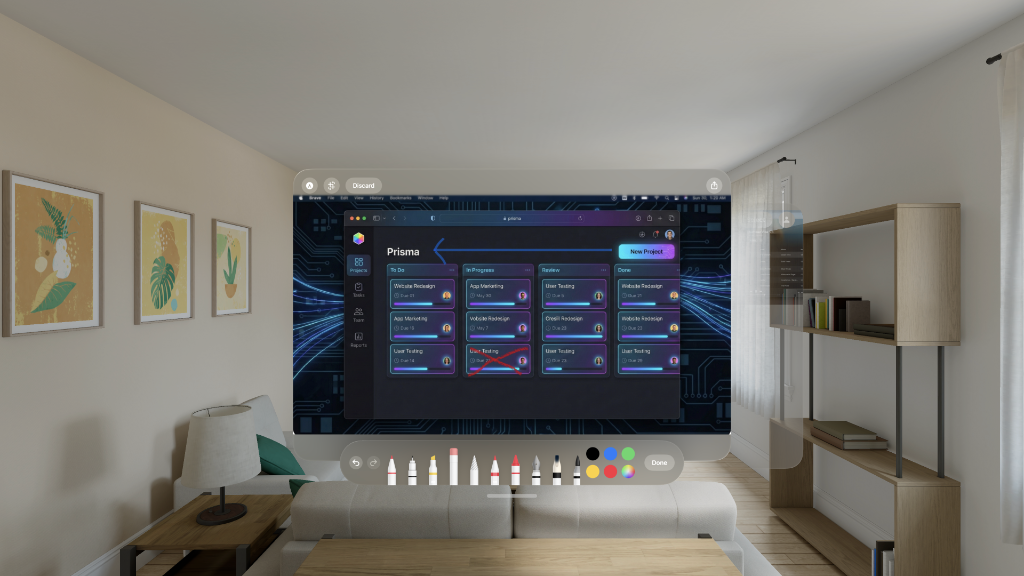
Access a professional suite of tools including pens, markers, highlighters, and rulers via the native tool picker. Everything you need to mark up documents or highlight details.
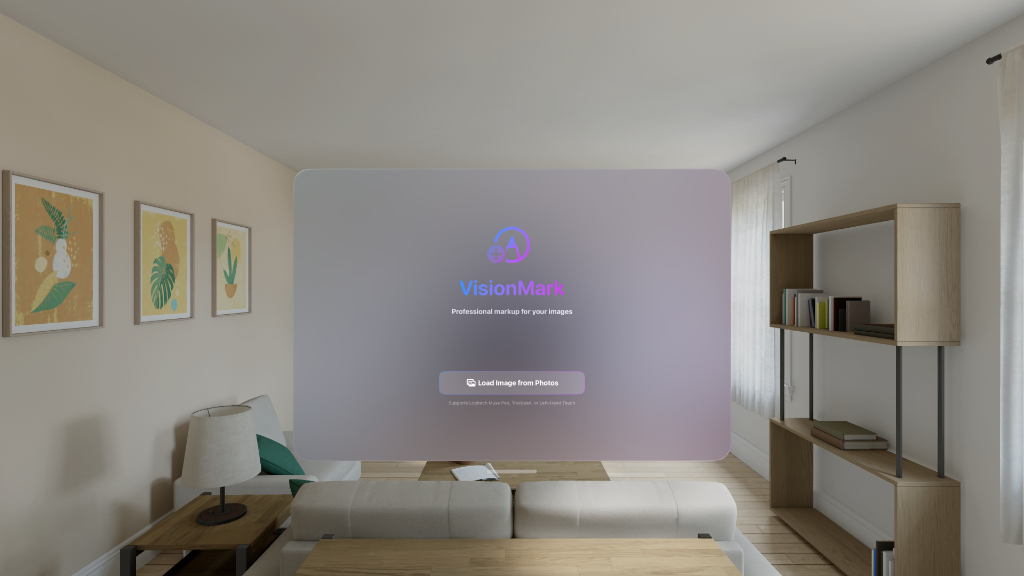
Leverage the power of visionOS by dragging and dropping images directly from Files or Photos into the app window. It's the most natural way to bring content into your spatial environment.
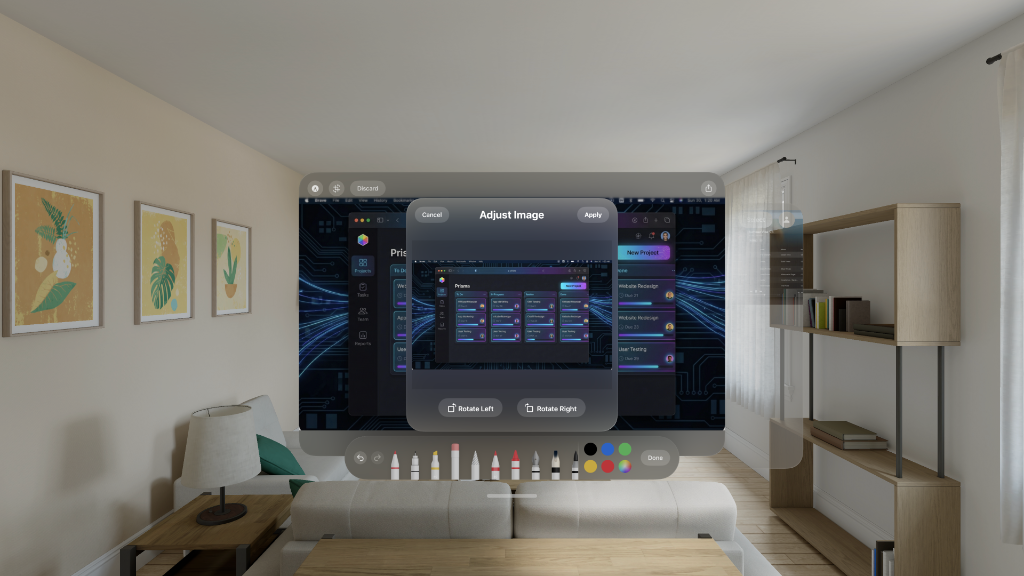
Get the perfect angle instantly. Rotate images to the correct orientation before marking up, ensuring your annotations are always aligned exactly how you need them.

Share your annotated images as optimized JPEGs via AirDrop, Messages, or save them directly back to Photos. Your markup stays crisp and professional.
All image processing happens locally on your Vision Pro. Your photos never leave your device, and VisionMark requires no internet connection to function. Your creative work stays yours.
Whether you're a spatial photographer, content creator, or just want to protect your Vision Pro memories, VisionMark makes it effortless to add professional watermarks to your spatial captures.