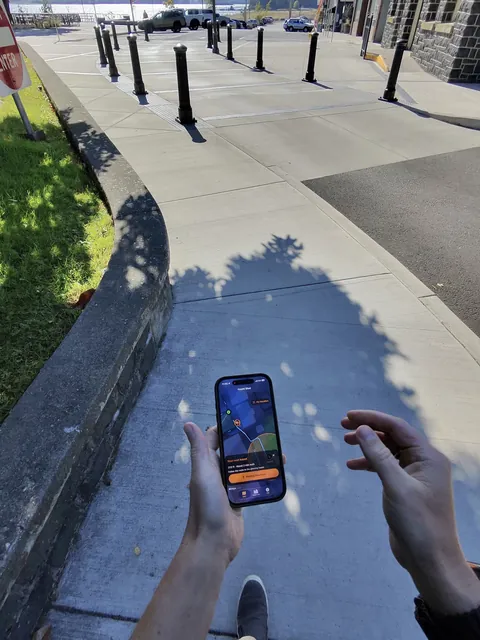
Follow the glow
Choose a glowing haunt on the map and follow walking directions toward it. You don't need to know the town to find your next stop.
From the studio
A little spooky. A real adventure.
Turn a walk through Old Town St. Helens, Oregon, into a monster hunt. Follow glowing haunts, discover six spooky characters and take home a photo with your finds.
Designed for iPhone · iOS 17 or later
The hunt takes place in Old Town St. Helens, Oregon.
Coming soon to the App Store.
Choose a glowing haunt on the map and follow walking directions toward it. You don't need to know the town to find your next stop.
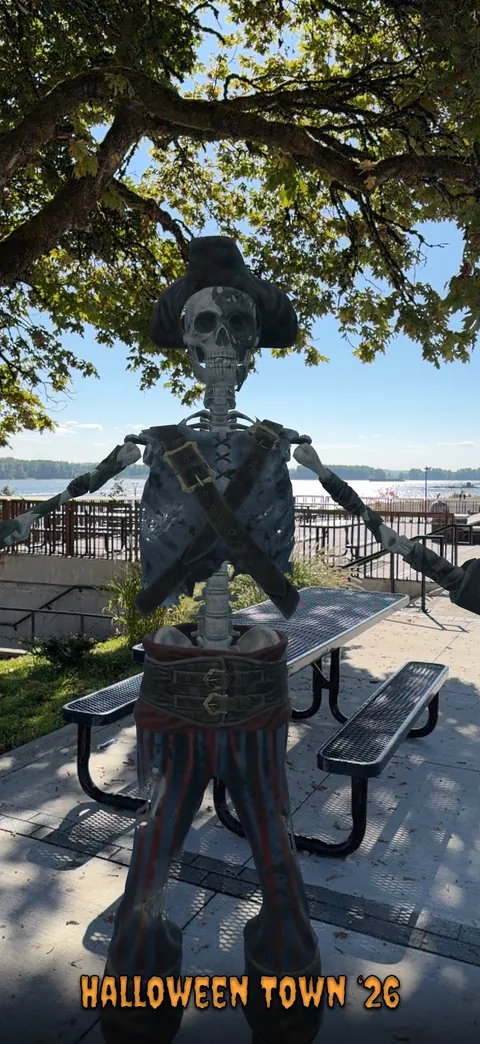
When you reach a haunt, something spooky is waiting. Stop somewhere safe, summon the monster and watch your discovery come to life.
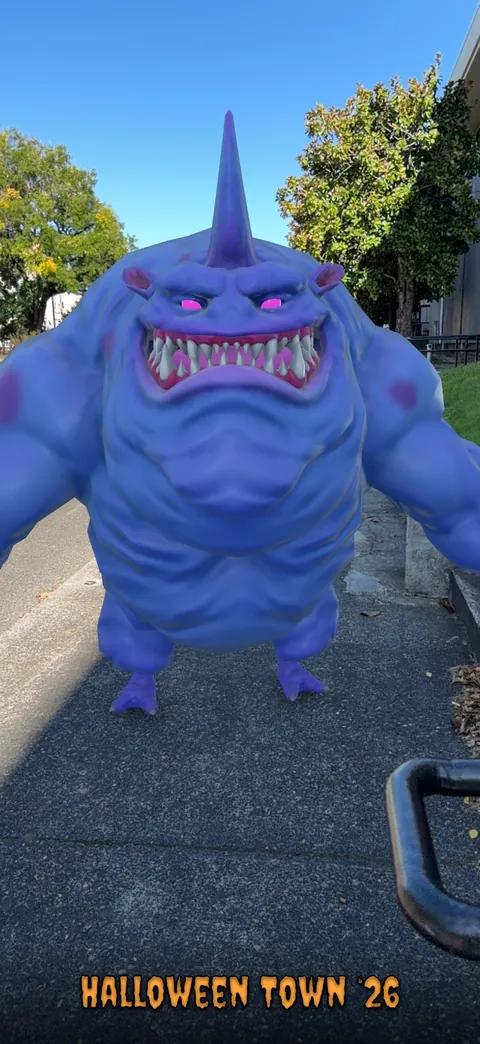
Every discovery joins your Haunt Log. Meet characters like Blue Sharkie, the Cursed Pirate and the Water Dragon, then keep exploring to complete your collection.
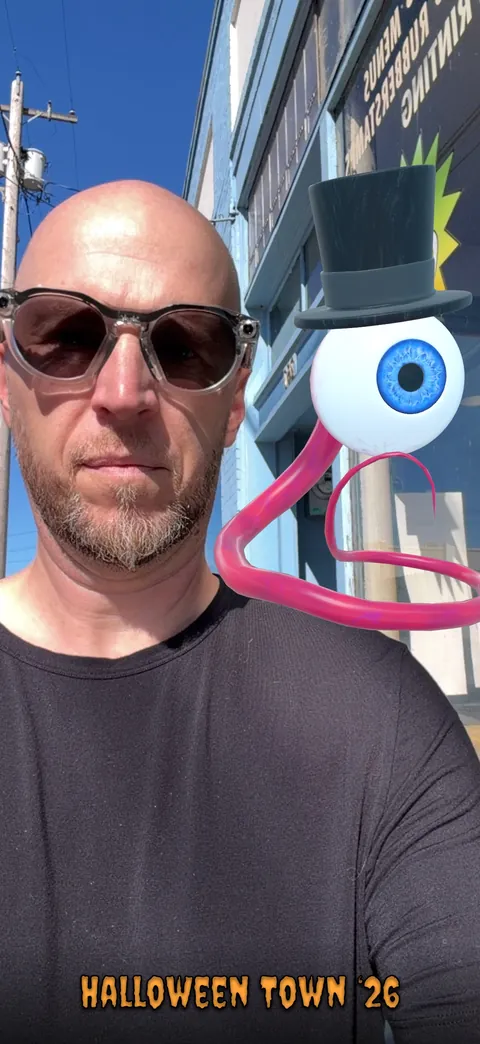
Use the rear camera to place a monster in the scene, or switch to the selfie camera to pose together. Move, resize and turn your monster to make the photo your own.
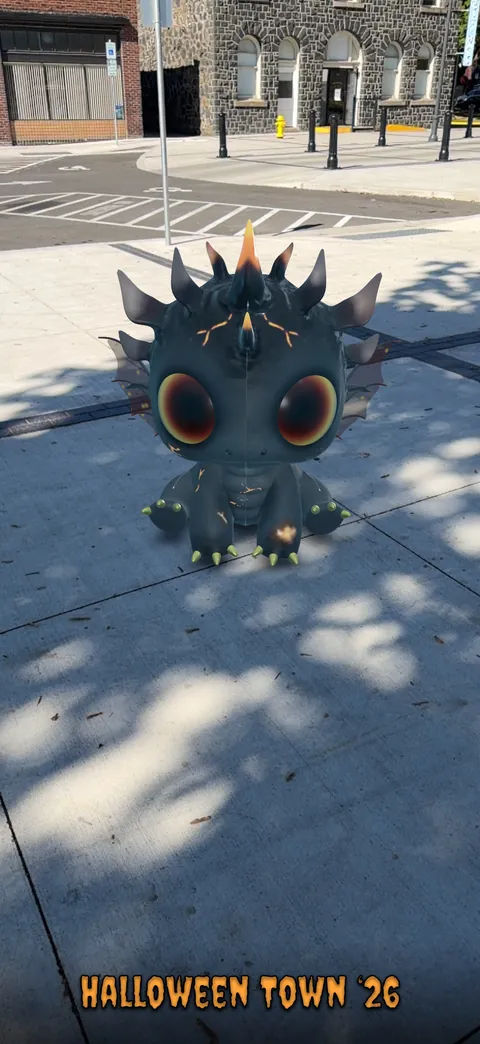
Save your favorite photos or share them with friends. Once you've found a monster, you can return to it in the Haunt Log and take more photos after leaving its haunt.
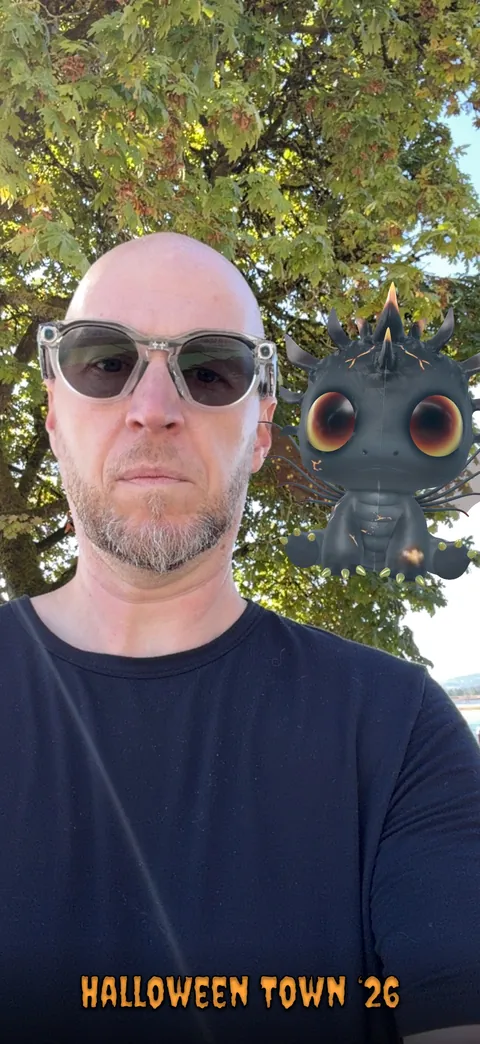
Earn badges as you explore, from your first find to completing the hunt. Find all six monsters for a Halloween celebration of your own.
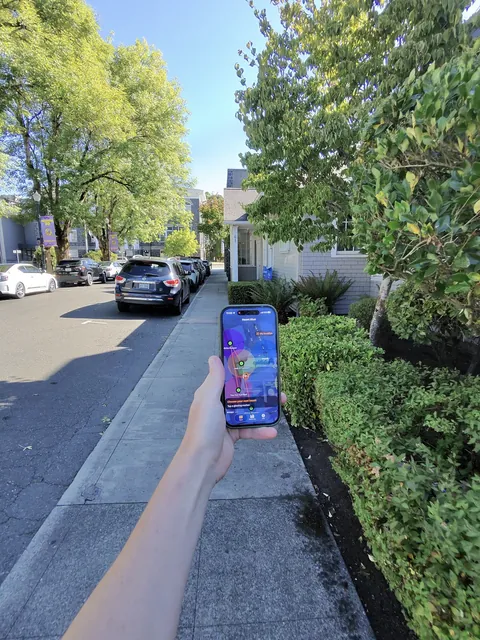
Haunt Shot brings playful digital characters into a real walk around town. Built by Revivr Studios, it explores how location and augmented reality can turn familiar places into something unexpected.
Location matters. New monsters are discovered at their haunts in Old Town St. Helens. You can browse the map from elsewhere, but you'll need to visit the area to make new discoveries.
Bring your iPhone. Haunt Shot requires iOS 17 or later. The optional AR photo experience requires a compatible device and camera permission. You can play the map hunt without using the camera.
Stay connected for directions. Internet access is needed for new map imagery, walking routes and haunt updates. Your saved progress stays on your device, and the last saved haunt list remains available offline.
Stay aware. Stay spooky. Stop somewhere safe before looking at your phone or taking photos. Stay in public areas, respect private property and posted signs, and skip any haunt you cannot safely reach. Never play while driving or cycling. Children should play with an adult.
Haunt Shot has no accounts, advertisements or app analytics. Your hunt progress stays on your device. Revivr Studios does not receive your location, photos or hunt progress.
Apple Maps provides maps and walking directions. Route requests send the route's starting point and destination to Apple. Public haunt updates are downloaded from GitHub, which receives normal connection information such as your IP address. Camera and face-positioning processing stay on your device; photos go to the destinations you choose through Save or Share.
Need help with the hunt or a monster photo? Email support@revivrstudios.com and tell us what happened.
Include your iPhone model, iOS version and the app version shown in Info, along with the steps that led to the problem. A screenshot can help. Please leave out private information or photos of other people unless you have their permission.
The monster hunt takes place around Old Town St. Helens, Oregon. Follow the map to the public haunts. After discovering a monster, you can take more photos with it through the Haunt Log without returning to its original location.
Make sure you're near its haunt and that Haunt Shot has location access with Precise Location enabled. Keep the app open while it gets a fresh location fix. If location access is off, use the permission controls in the app's Info section to open Settings. GPS accuracy can vary, so wait in a safe public spot rather than approaching an unsafe or restricted area.
Apple's Allow Once option is temporary. To keep access between visits, choose Allow While Using App when prompted, or update Haunt Shot's location permission in iPhone Settings. You remain in control of that permission.
No. The map hunt works without the camera. Camera permission is needed only for the optional monster-photo experience on compatible devices.
Open the Haunt Log, find a monster you've already discovered and tap Take a photo. Choose the rear or selfie camera, use Position to adjust the monster, then take your photo. The preview lets you Save, Share or Retake.
Tap Save in the photo preview to add the image to your photo library. If saving is blocked, check Haunt Shot's photo permissions in iPhone Settings. Photos and device backups may sync through iCloud according to your Apple settings.
Progress is stored locally. Haunt Shot does not provide an account-based sync service. Deleting the app removes its local progress; device backup and restore behavior depends on your Apple settings. Save any photos you want to keep to your photo library.
Skip it. Do not cross barriers, enter private property or move into traffic to reach a marker. Email support with the haunt or map area and a brief description so we can review it. Map locations are approximate, and safety comes first.
Made by Revivr Studios — exploring playful ways for digital experiences to become part of the world around us.
Have a place or experience you’d like to bring to life? Get in touch.